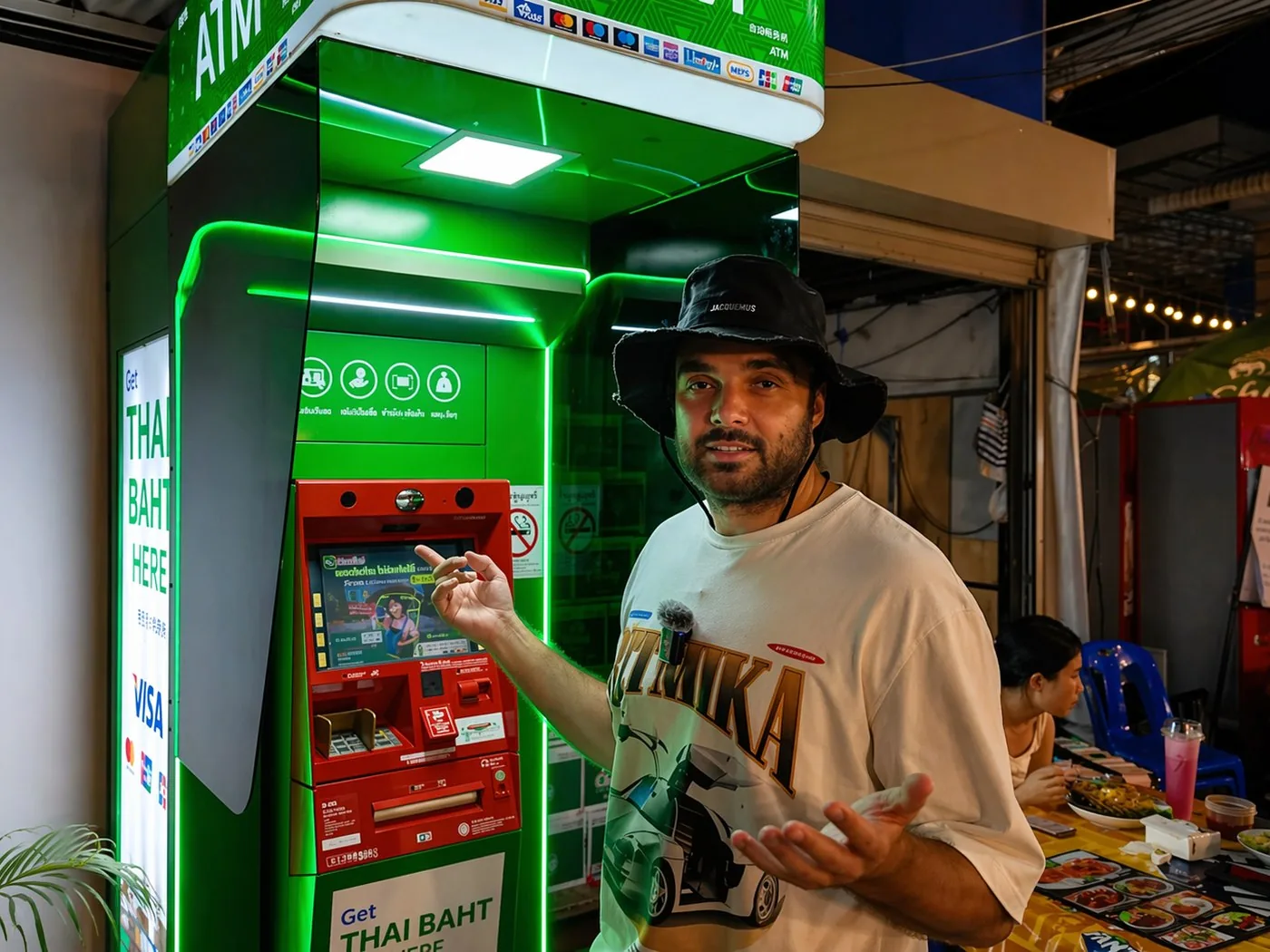
When you're living or spending an extended holiday in Phuket, sooner or later the question comes up: where do you get baht if you don't have a Thai bank card and carrying suitcases of cash isn't an option? One of the most convenient tools comes to the rescue — cardless ATM withdrawal through the Thai banking network.
Here's how it works: you send rubles or crypto to EX FM, the manager sends you a one-time code or QR, you walk up to the right ATM and collect your baht. No physical card needed, bank commission — zero.
How it works in a nutshell
You send rubles / USDT to EX FM
Submit a request via the Telegram bot, transfer via bank transfer or to a crypto wallet. Details on the exchange page.
The manager sends you a code or QR
For KTB / Krungsri / SCB — a withdrawal code (6-10 digits). For Bangkok Bank and Kbank — a QR code that the ATM displays on screen.
Go to the right ATM
Important: each bank's code only works within its own network. The manager will tell you in advance which bank the transfer is coming from — look for the ATM of the same color.
Step-by-step instructions for each bank
All 5 Thai banks operate in Phuket and support Cardless Withdrawal. Below are the exact steps for each ATM, with color labels so you don't mix them up.
Krung Thai Bank (KTB) · blue ATM
Works with a code. One of the simplest and fastest networks.
On the main screen: press the button at the bottom right — Cardless ATM → select language English → on the next screen press the left button — Cardless ATM (code).
Then step by step:
- Enter the phone number in the format 0XXXXXXXXX
- Enter the withdrawal code sent by the manager
- Press Confirm
- The ATM dispenses your baht
Krungsri (Bank of Ayudhya) · yellow ATM
Also code-based, but through the KMA (bank app) section.
On the main screen: press the button at the bottom right — Cardless ATM → in the next window press the button on the right — KMA (Krungsri App).
Then step by step:
- Enter the phone number: 0XXXXXXXXX → Correct
- Enter the withdrawal amount → Correct
- Enter the withdrawal code → Correct
- Wait for the cash to be dispensed and collect your money
⚠️ The code is valid for 5 minutes — use it immediately after receiving.
SCB (Siam Commercial Bank) · purple ATM
Works with a code, interface is similar to Krungsri.
On the main screen: press the Cardless ATM button → in the next window select SCB.
Then step by step:
- Enter the phone number in the format 0XXXXXXXXX → CORRECT
- Verify the withdrawal amount → CORRECT
- Enter the withdrawal code from the manager → CORRECT
- Wait for the cash to be dispensed and collect your money
Bangkok Bank · blue ATM
This one uses a different method — the transaction is done via QR code. The ATM displays a QR on screen; your job is to take a photo and send it to the manager.
Steps:
- On the main screen press the button in the bottom left corner — CARDLESS WITHDRAWAL
- In the next window press the button at the top right — Bangkok Bank Mobile Banking
- A QR code will appear on screen — take a photo and immediately send it to the manager in your chat
- After the manager confirms, press CONFIRM
- Wait for the cash to be dispensed and collect your baht
⚠️ The QR is valid for 40 seconds. As soon as you take the photo — send it right away.
Kbank (Kasikornbank) · green ATM
Same logic as Bangkok Bank — via QR code.
Steps:
- On the main screen press the button in the bottom left corner — CARDLESS WITHDRAWAL
- In the next window press the button at the top right — K PLUS
- A QR code will appear on screen — take a photo and send it to the manager in your chat
- After the manager confirms, press CONFIRM
- Wait for the cash to be dispensed
⚠️ The QR is valid for 40 seconds. Send the photo to the manager immediately.
Important details and limits
Limits. A single ATM usually dispenses a maximum of 20,000-30,000 baht per transaction. If you need more — do multiple transactions in a row (each with its own code) or order a courier delivery to your hotel.
Fees. Cardless withdrawal via EX FM code is free. The bank charges nothing for this transaction — this is not a foreign card withdrawal (which normally costs 220 baht).
Code expiration. Krungsri — 5 minutes, QR banks (Bangkok Bank, Kbank) — 40 seconds, KTB and SCB — usually a few minutes. If you didn't make it in time — message the manager, they'll generate a new one in a minute.
Bank to bank. A KTB code won't work at SCB, a Bangkok Bank QR won't work at Kbank. The manager always specifies which network the withdrawal is coming from — look for the ATM of the same color.
Where to find ATMs. In all major areas: Patong, Karon, Kata, Rawai, Chalong, Phuket Town. In shopping centers (Central, Jungceylon, Tesco Lotus, Big C) you'll always find 3-5 ATMs from different banks lined up next to each other.
Common problems and how to solve them
"Transaction not allowed" or error when entering the code
Most often — wrong bank. A KTB code won't work at Krungsri, a Bangkok Bank QR won't work at Kbank. Check with the manager which bank network sent the transfer and find the corresponding ATM.
Code / QR expired
Message the manager — you'll get a new one. Your baht aren't going anywhere: this is a one-time token for dispensing, not the transfer itself.
ATM didn't dispense cash but shows "completed"
Extremely rare case. Keep the receipt, message the EX FM manager — they'll contact the bank, and the refund comes within 1-3 business days. In all my years on the island this has never happened to me, but there's always a safety net.
When this method is ideal
- You're in Phuket for a short time and won't be getting a Thai bank card.
- You need a small amount (up to 30k baht) — no point traveling to a courier or office.
- You're in an area without an EX FM office (Kamala, Nai Harn, Nai Thon) — plenty of ATMs there, but the office is far away.
- Late evening (after 10 PM) — offices are closed, ATMs work 24/7.
For larger amounts (50k+) or long-term island living, a courier delivery to your hotel or a cashless transfer to a Thai bank account is more convenient — but those are separate tools.
If anything goes wrong — reach out and we'll sort it out →
t.me/phuketblog_manager_bot
